Software User Manual
Welcome to the Software User Manual for EORSA-DB, ESA’s Earth Observation Requirements and System Analysis Database.
EORSA-DB is a web application for managing Earth Observation missions, instruments, data products, requirements, and related entities. It provides timeline visualizations, benchmarking capabilities, and full CRUD operations on the domain model.
Getting Started
Open a browser and go to https://eorsadb.mbsehub.org.
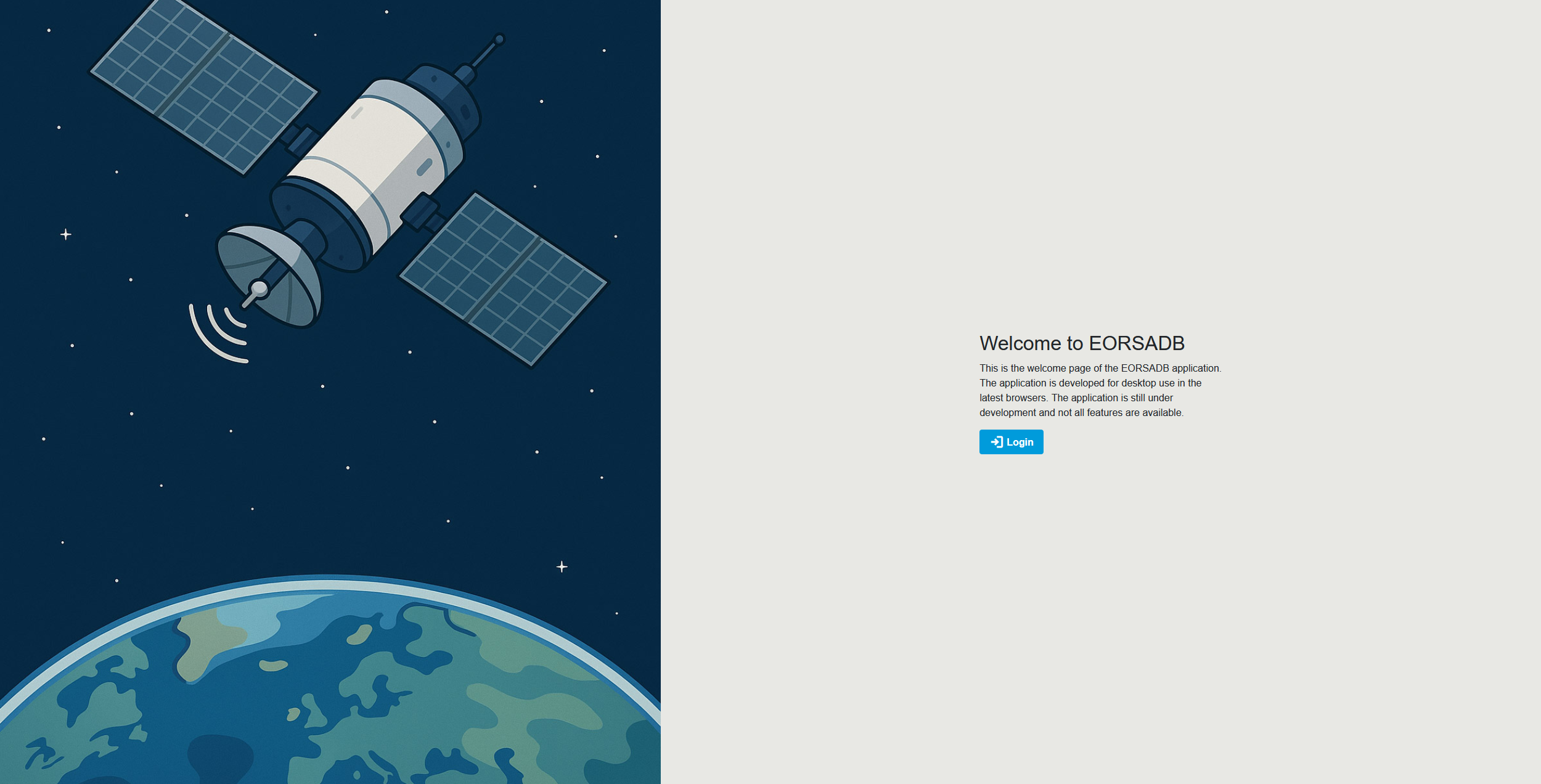
You will land on the welcome page. The welcome page is a dedicated landing screen shown only to users who are not signed in. It displays a satellite image on the left and a short introduction on the right with a Login button. Once you sign in, this page is replaced by the Dashboard for the rest of your session.
Access
Login
-
Click on Login. You will be redirected to the Keycloak sign-in page in the same browser tab. (When you click the Login button in the application header from any other page, the same Keycloak page opens.)
-
Enter the credentials that have been given to you and click Sign In. Authentication is handled via Keycloak.
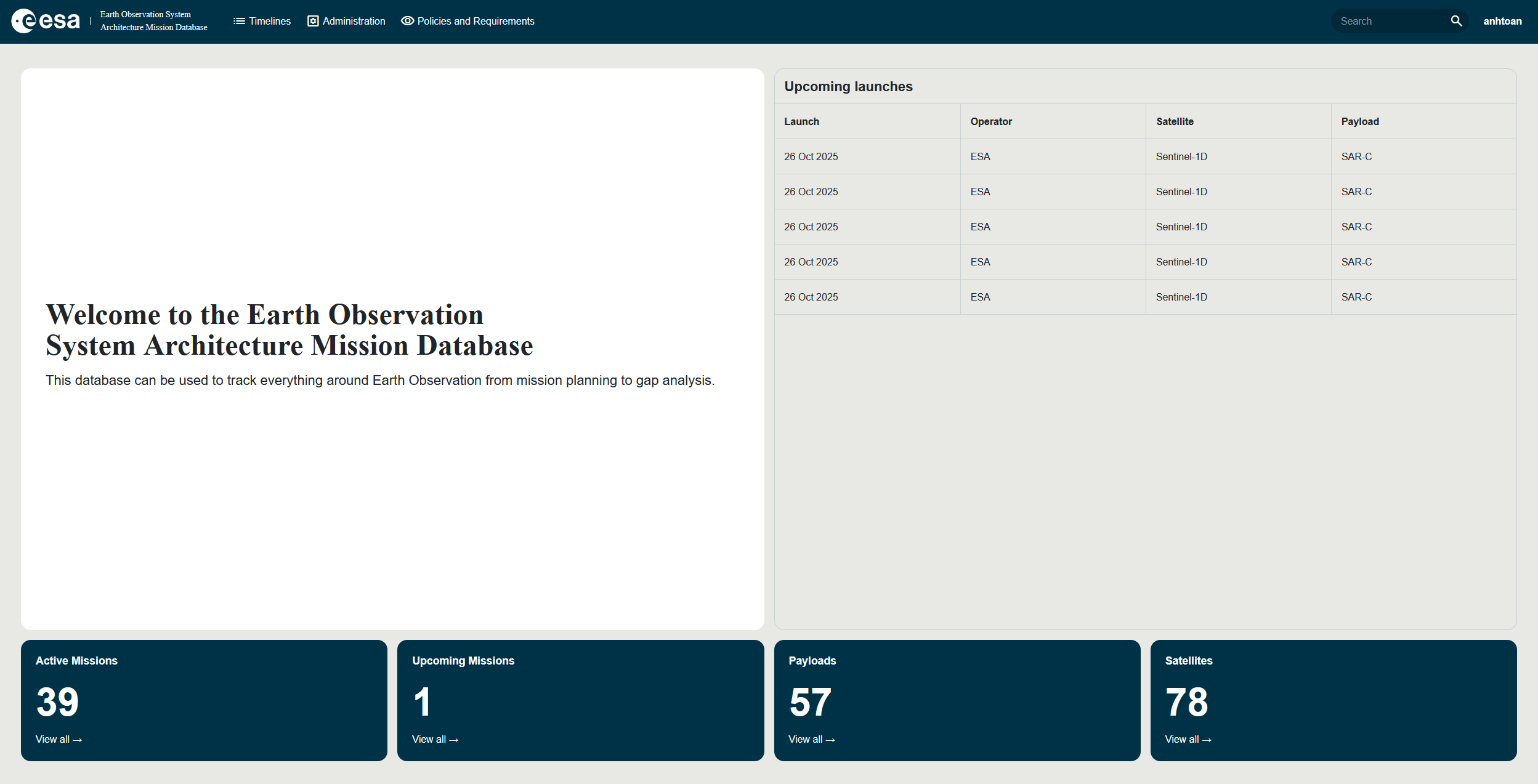
You will be directed to the Dashboard as shown below.
Log out
To log out, click on your user initials in the top right of the application to open the user menu, then select Logout.
Navigation
The top navigation bar provides access to the main application areas. Menu items are filtered automatically based on your permissions — you only see the entries you are authorised to access.
| Menu Item | Target page | Required permission | Description |
|---|---|---|---|
| Dashboard | Dashboard | AccessOtherDataButProgrammatics | Landing page with overview information and upcoming launches. |
| Visualization | Timelines | AccessOtherDataButProgrammatics | Gantt, Heatmap and Sankey views of missions, instruments, ECVs, etc. |
| Data | Data | AccessOtherDataButProgrammatics | Tabular browser of all entities with filters and Excel export. |
| Finance | Financial | AccessProgrammaticData | Financial / programmatic data view (restricted access). |
| Policies & Requirements | Policies & Requirements | AccessOtherDataButProgrammatics | Manage Requirement Specifications, Groups, Requirements and ECV Requirements. |
| Benchmarking | Benchmarking | AccessOtherDataButProgrammatics | Compare missions and instruments against ECV requirements. |
| Reference Scenarios | Reference Scenarios | AccessOtherDataButProgrammatics | Browse, create and open step-by-step reference scenarios. |
| Administration | Administration | ManageUsers | Manage Categories, Parameter Types, Organisations, Currencies and Economic Conditions. |
| PG Admin | External | ImportExportDatabase | Direct PostgreSQL administration console. |
| User Administration | External (Keycloak) | ManageUsers | Manage users, roles and permissions in Keycloak. |
A Search bar and a user menu are also available in the top bar. The user menu gives access to Claims & Permissions (see Claims & Permissions), About, and Logout. An Appearance Toggle (dark / light mode) is also available in the header.

Each area is described in detail in the side menu.
Database Structure
EORSA-DB is built around a hierarchical domain model that mirrors how Earth Observation activities are organised in practice — from high-level programmes down to individual instrument spectral bands. The main entities and their containment relationships are summarised below; full cardinalities, inheritance and the complete relationship matrix are documented in Data Model.
Entity Hierarchy at a Glance
Space Program
├── Mission
│   ├── Segment (Space / Launch / Ground)
│   │   └── System
│   │       ├── Payload (Instrument) ── Child Payloads, Spectral Bands, Equipment, SubSystem
│   │       └── Platform              ── Equipment, SubSystem
│   ├── Mission Phase ── Milestone
│   ├── Data Product ── Essential Climate Variable (ECV) ── ECV Requirement
│   ├── Auxiliary Product
│   └── Requirement Specification ── Requirement Group ── Requirement
└── Project ── Project Phase
Core Entities
| Entity | Description |
|---|---|
| Space Program | Top-level grouping of related missions and projects (e.g. Copernicus, Earth Explorer). |
| Mission | A single Earth Observation mission. The central organising entity — most data hangs off a mission. |
| Project | A coordinated activity set with defined start/end dates, owned by a Programme and optionally linked to one or more Missions. |
| Segment | A functional decomposition of a Mission into its Space, Launch and Ground segments. |
| System | A top-level assemblage within a Segment (e.g. a specific satellite). Carries the orbit parameters and is active during one or more Mission Phases. |
| Payload (Instrument) | A sensor or instrument hosted by a System. Payloads are hierarchical (a Payload can contain child Payloads) and define the Spectral Bands they cover. |
| Platform | The spacecraft bus that hosts payloads — provides power, communications and navigation. |
| Equipment / SubSystem | Lower-level components contained inside a Payload or Platform. Equipment can itself be hierarchical. |
| Mission Phase | A lifecycle stage of a Mission (e.g. LEOP, Commissioning, Operations, End-of-Life), with start and end dates. |
| Milestone | A key review gate within a Mission Phase (e.g. PDR, CDR, QR), tracking Planned, Forecasted and Actual dates. |
| Data Product | A geophysical measurement produced by a Mission, associated with a processing level (L1, L2, L3, …) and the Equipment that measures it. |
| Auxiliary Product | A supporting product used by, or produced alongside, Data Products. |
| Essential Climate Variable (ECV) | A physical, chemical or biological variable used to characterise Earth’s climate, fed by one or more Data Products. |
| Requirement Specification | A top-level requirements document owned by a Mission, organised into Requirement Groups that contain individual Requirements and ECV Requirements. |
| Parametric Constraint | A boolean expression evaluated against parameter values, attached to a Requirement. |
| Organisation | An institutional actor (agency, contractor, partner) involved in a Programme or Mission. |
Cross-Cutting Concepts
A few constructs apply across most of the entities above:
- Categories — an acyclic hierarchy of classification tags. Each Category declares the entity types it can be applied to via its Permissible Classes.
- Parameter Types & Parameter Values — typed key/value attributes that can be attached to any parameterizable entity. Parameter Types define the allowed format (boolean, date, text, enumeration, quantity, …) and Parameter Values carry the actual data on entities.
- Parametric Constraints — boolean expressions on Requirements that read Parameter Values when the Benchmarking tool runs. A full end-to-end example is given in the Worked Example.
- Data Type — every parameterizable entity carries a Data Type (Core, Non-Core, Fictional, Local Fictional) that controls visibility and edit rights. See Data Types and Permissions.
- Attachments & Images — most entities support file attachments and inline illustrative images, all indexed by the Search service.
For the complete entity diagram, full cardinalities, the inheritance model and every relationship between entities, see the detailed Data Model page.