Organisations
Table of contents
Definition
Organisations (also called Agencies) represent space agencies, suppliers, prime contractors and any other entities involved in space programmes. Organisations can be linked to Missions, Space Programmes, and Projects, and can be assigned a role in contract for each link (e.g. Prime, Subcontractor, End-user).
Browse Organisations
-
Go to the Administration application through the topbar.
-
Select Organisations in the top-left selector.
-
The table displays all existing organisations with their Name, Short Name, and Definition.
-
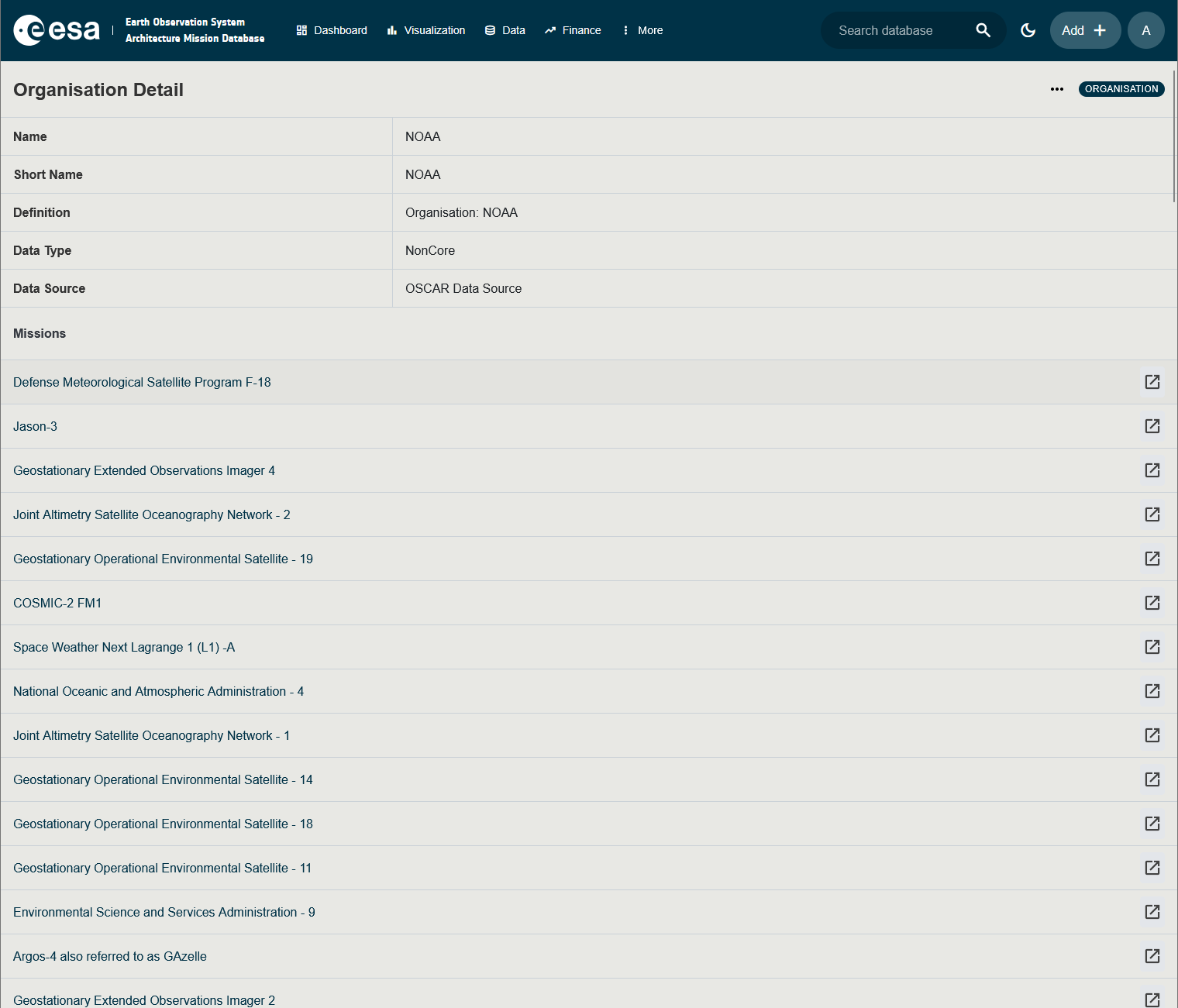
Click the Name of an Organisation to open its detail page. The detail page lists:
- The primary fields (Name, Short Name, Definition, Data Type, Categories).
- Linked Missions — with the role the organisation plays in each mission’s contract.
- Linked Programmes / Projects — same, with contract roles.
- Attachments — supporting documents.
Create an Organisation
-
Go to the Administration application through the topbar.
-
Select Organisations in the top-left selector.
-
Click the blue + button in the bottom right of the screen.
-
Enter a Name, Short Name, and Definition. Optionally select Categories and a Data Type.
-
To link the Organisation to existing Missions / Programmes / Projects with a contract role, switch to the corresponding tab in the side panel and add rows.
-
Click Save.
Edit / Delete / Duplicate
From the Organisation detail page, use the Edit, Delete or Duplicate buttons. Deleting an Organisation also removes any contract-role link it had with Missions, Programmes and Projects (the Missions themselves are not affected).